Microsoft says a Windows computer can slow down for several reasons, among them low storage, too many apps launching at startup, outdated software and hardware that has fallen behind. Apple’s list for the Mac starts with a startup disk short of free space and an app wanting more memory than the machine can spare. wikiHow sorts the causes into three groups: a software problem, a full hard drive or faulty hardware.
more
Each leaves different clues. Start with timing, because when the slowdown began narrows the search before you open a single menu.
When did it start?
If the computer slowed down within the last week or so, wikiHow points to an update, a new program or a changed setting. If it has been getting worse steadily, wikiHow says the likelier causes are poor upkeep or age.
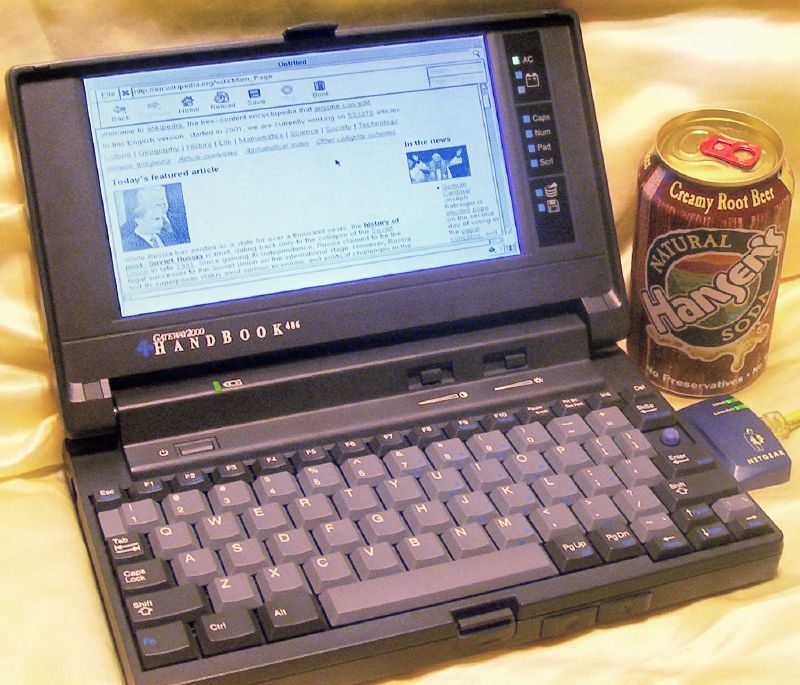
Age deserves its own mention. wikiHow says a computer that is more than a few years old will most likely lose speed however well you treat it. It adds that moving such a machine to a newer operating system, for example from Windows 7 to Windows 10, may make it slower still. Microsoft warns that older PCs with outdated hardware may not improve much from its fixes, and that replacing the device may be the best long-term answer.
What should you try first?
Close what you aren’t using, then restart. Microsoft says having many apps or browser tabs open can slow a PC, and suggests a restart if closing them doesn’t help. Lifewire puts a restart first in its list and says it clears one-off bugs and software conflicts. Microsoft also recommends installing Windows updates, which it says often carry fixes and performance improvements.
Which program is the problem?
Computer Hope calls programs running in the background one of the most common reasons for a slow computer. Microsoft suggests watching processor, memory and disk use in Task Manager to find the processes slowing the PC. On a Mac, Apple points to Activity Monitor, which shows how much memory the Mac and each app are using.
Startup is where many of them hide. Microsoft says apps that run at startup can slow boot time and add background activity. Its fix is to press Ctrl+Shift+Esc to open Task Manager, choose Startup apps, and disable the ones you don’t need. Which? says many programs start invisibly when Windows does, which slows startup and can cause crashes.
A security scan can be the culprit too. Computer Hope says a scan running in the background lowers performance, and the machine speeds up once it finishes.
Malware is a different case. Microsoft says it can consume processor and disk resources, and recommends a scan with Windows Security. The High Tech Society says its tell is a computer that slowed suddenly rather than over time.
Do you need to defragment?
Advice differs. Which? says Windows 11, Windows 10 and Windows 8 don’t need defragmenting, and that Mac users and anyone with a solid-state drive don’t either. Microsoft still lists its built-in Defragment and Optimize Drives tool among the fixes for a slow PC. Computer Hope also lists running a defragmenter among its steps.
Is the drive too full?
Microsoft says low disk space can reduce performance, and points to Storage Sense under Start, Settings, System and Storage to clear temporary files. Apple says a Mac’s startup disk may not have enough free space, and that macOS can help by storing files in the cloud and finding ones you no longer need.
Which? warns that even a very large drive can fill up if you leave it unattended. It names two causes: Windows asking for room to update, and a steady build-up of apps and files.
How much free space is enough? Computer Hope sets the floor at 500 MB, which gives the swap file room to grow. The High Tech Society says Microsoft publishes no threshold and that published figures range from roughly 10% to 25%.
Is the hardware tired?
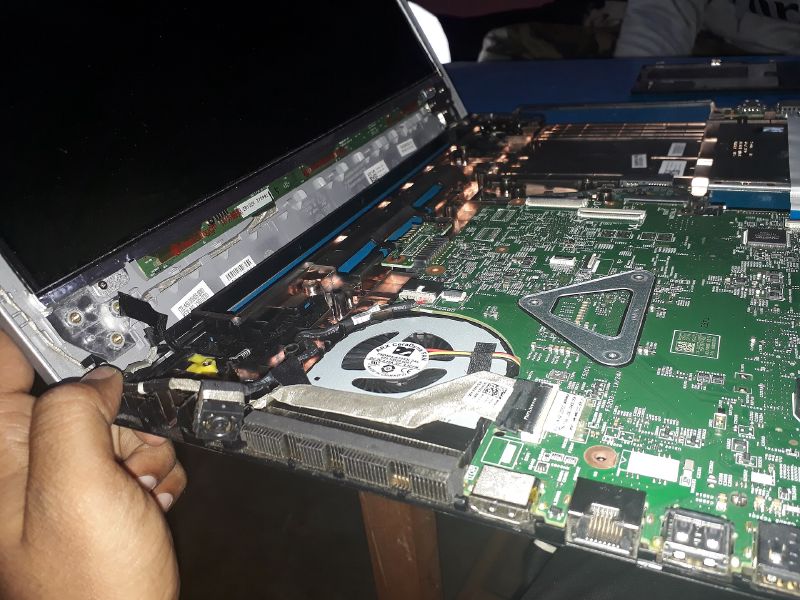
Dust is the first thing to check. wikiHow says to look at the vents for dust or other build-up, which compressed air can clear. If the fans run constantly at high speed and the case becomes uncomfortably warm, wikiHow says the cooling system probably needs repair, and that is a job for a professional.
Memory is the other common limit. Apple says an app may need more memory than a Mac has readily available, and suggests checking the app’s system requirements. Windows 11 requires at least 4 GB of RAM, but The High Tech Society calls that a floor rather than a workable amount. Lifewire says closing browser tabs can give an immediate boost on a PC with 4 GB of RAM or less.
If you suspect the drive itself, Apple says to use Disk Utility to check the disk and try to fix any problems. On Windows, Computer Hope suggests chkdsk.
Where to look next
Watch the Performance tab in Task Manager while the computer is misbehaving. Microsoft suggests reviewing that tab and the Startup apps tab to find what is using heavy resources. The High Tech Society adds that a reading above 80% at idle points to a real bottleneck, while the same figure during a game or a large file copy is normal.