Your IP address is the number that gets information sent to and from your device rather than someone else’s. Every device connected to the internet carries one, in the form of a long number. That number splits into two parts: one showing which network the device belongs to, and one identifying the device itself on that network. The number a lookup page prints, though, is not the whole picture. A home network runs two kinds of address at once, and only one of them ever reaches the open internet.
Two addresses, and only one goes outside
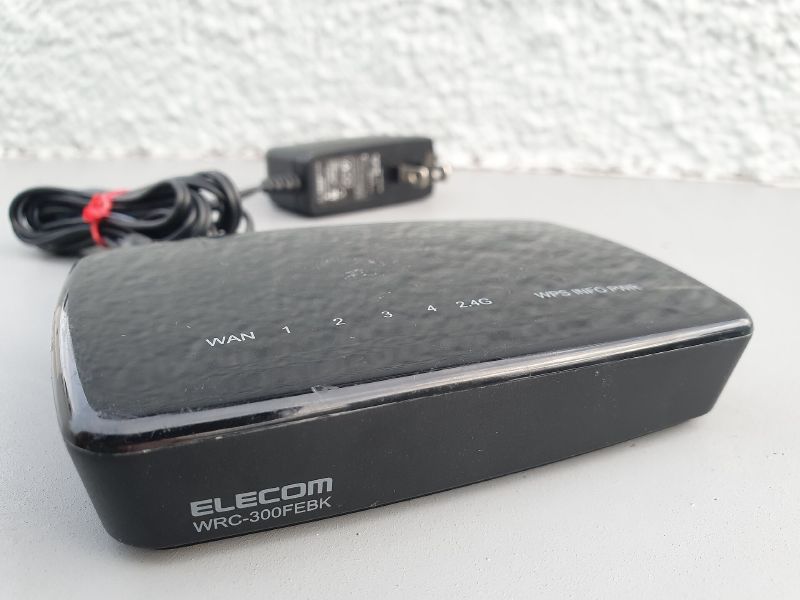
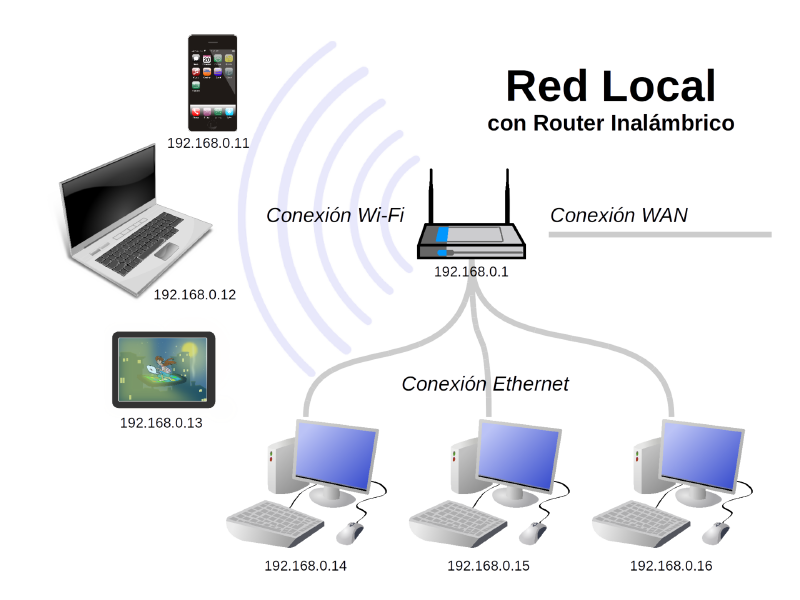
Your router receives a single external address from your internet provider, and that is the number every website, app and lookup page can see. It then hands out a second kind of address privately to each device behind it: your phone, your laptop, your smart TV. Those addresses never leave your own network.
more
That split is why the number your phone reports in its Wi-Fi settings and the number a “what is my IP” page shows you are usually two different figures. Neither one is wrong. Websites and internet service providers both use the external address to identify a device and whoever holds the connection.
Why the format looks different from one device to the next
Most IP addresses still use the older IPv4 format: a number such as 192.168.1.100, made up of four segments running from 0 to 255. IPv4 supports roughly 4.3 billion addresses in total, and the growing number of internet-connected devices has used up nearly all of them. The newer IPv6 format fixes that with a longer, hexadecimal address instead, and it has room for something close to 340 undecillion devices, enough that exhaustion stops being a concern.
Why the number does not stay put
Many devices run on what is called a dynamic address, one a router assigns and that changes at intervals rather than staying fixed. A static address stays constant instead. Email servers and remote access systems use static addresses, because they need to be found at the same number every time.
Set two devices on the same home network to hold the same internal address by mistake, and the fault shows up differently from an address changing. A device loses its connection, or the whole network slows down, until the clash is resolved.
What the number actually reveals
An IP address gives away your provider and roughly where your connection sits, and that is close to the limit of it. The location comes from how the address is routed rather than from GPS, so it can place a reader’s country with confidence while getting no closer than a rough guess at their town. That is also what a VPN is built to change. Its main job is to swap the address a site sees for one belonging to its own server, so a site sees the VPN’s provider and location rather than yours.
Confirming the swap worked means loading an IP checker before connecting and again afterwards, then comparing the ISP and location each one reports. If the number comes back unchanged once the VPN says it is connected, the connection is not actually routing through the VPN’s server. The usual fix is to disconnect, wait, and reconnect to the same server or a different one.
So a lookup page can hand a stranger your provider and your rough location without you doing anything else. Most people who type “what is my IP” into a search bar want to see that one number. What it quietly tells the site on the other end is usually the more interesting answer.